
DRIVESYNC
Stop Wasting Space. Start Scanning Smart.
DriveSync finds every duplicate file hiding across your drives — using deep content-based scanning, not just filenames. See exactly how much space you'll reclaim before deleting a thing.
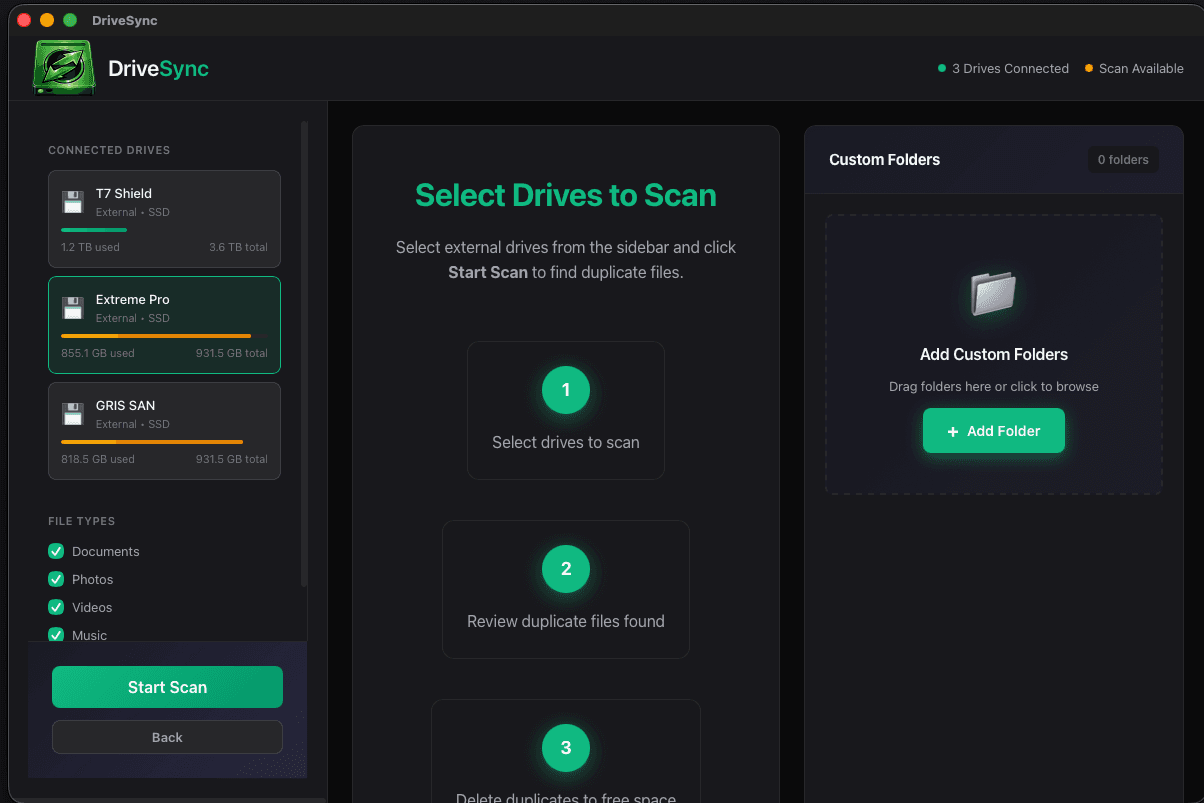
SEE IT IN ACTION
Clean UI. Powerful engine. Zero confusion.
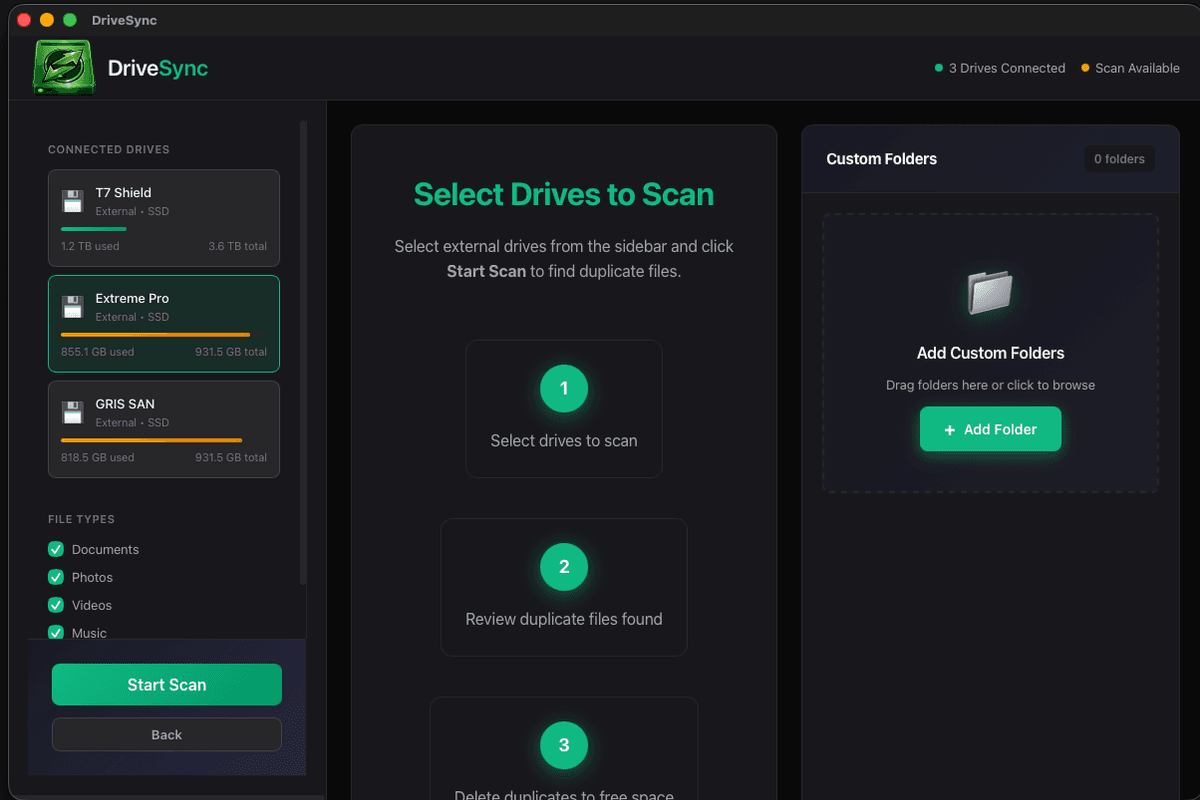
Scan Results — Duplicates by group
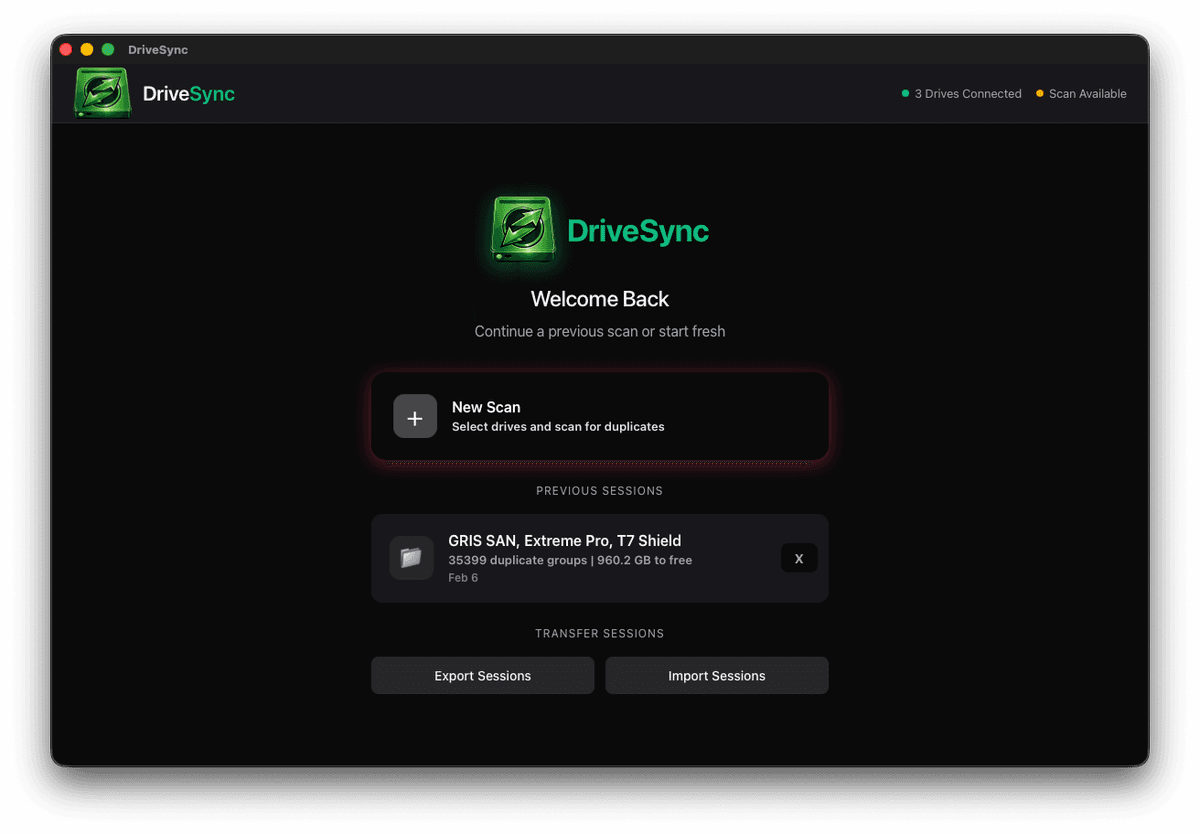
Report View — By drive & file type
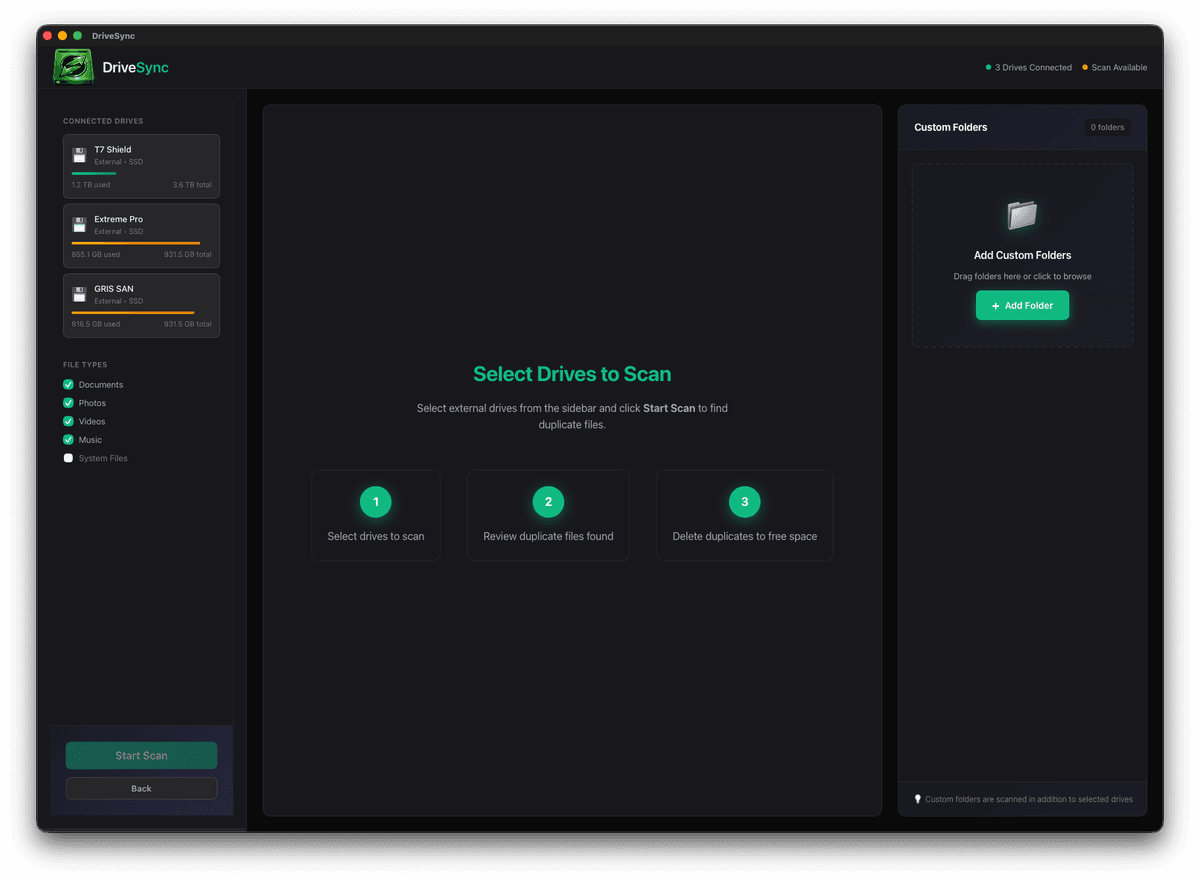
Multi-Drive Selection
HOW IT WORKS
Four steps from chaos to clean.
Add Drives
Select the drives or folders you want to scan. Internal, external, USB — all supported.
Deep Scan
DriveSync hashes every file and maps duplicates across all selected locations in seconds.
Review Results
Browse the Report View. See duplicates by drive, by file type, biggest space hogs first.
Clean Up
Select duplicates to remove, see the exact space you'll free, then confirm. Done.
BUILT TO PERFORM
Every feature designed around one goal: get your storage back.
Deep Scan Technology
Content-based duplicate detection using SHA-256 checksums. Catches exact copies even when filenames differ — nothing slips through.
Multi-Drive Support
Scan across multiple external drives, USB sticks, and internal volumes simultaneously. One pass, every duplicate found.
Smart Filtering
Filter by drive, file type, or size. Focus your cleanup exactly where it matters. Single-Drive filter for precise per-disk analysis.
Report View Dashboard
Full scan summary: total duplicates, space wasted by drive, by file type, top 10 largest duplicate groups. See the whole picture.
Open in Finder
One click opens the exact file location in Finder. No hunting, no guessing — straight to the file.
Selected-to-Free Counter
Live stat card shows exactly how many gigabytes you'll reclaim from your current selections. Know before you delete.
Safe Deletion Mode
Files move to Trash first — never permanent deletion by default. Review before committing. Your data stays safe.
Elite Kabal Design
Dark theme with emerald accents. Designed for long scanning sessions — easy on the eyes, easy to navigate.
SIMPLE PRICING
Scan for free. Pay once to clean.
FREE
- Unlimited deep scans
- Full duplicate detection
- Report View dashboard
- Filter by drive & type
- Multi-drive support
PRO
No subscription. Ever.
- Everything in Free
- Actual file deletion
- Selected-to-Free counter
- Open in Finder (any file)
- Bulk selection tools
- Priority email support
- All future updates
Mac only · macOS 12+ · Apple Silicon & Intel
RECLAIM YOUR SPACE
Download DriveSync free. Scan your drives. See exactly what's wasting space — then decide if you want to clean it.
Free to scan · No account required · macOS native